

Sharing
Share a deck or sheet with a teammate
Give a teammate access to a deck or sheet and send them a link to it.
In Pitchcrow, you share a space, not a single deck or sheet. Anyone who can open the space can open everything in it.
-
Make sure your teammate is in the space. If they aren't, add them to the space.
-
Open the deck or sheet.
-
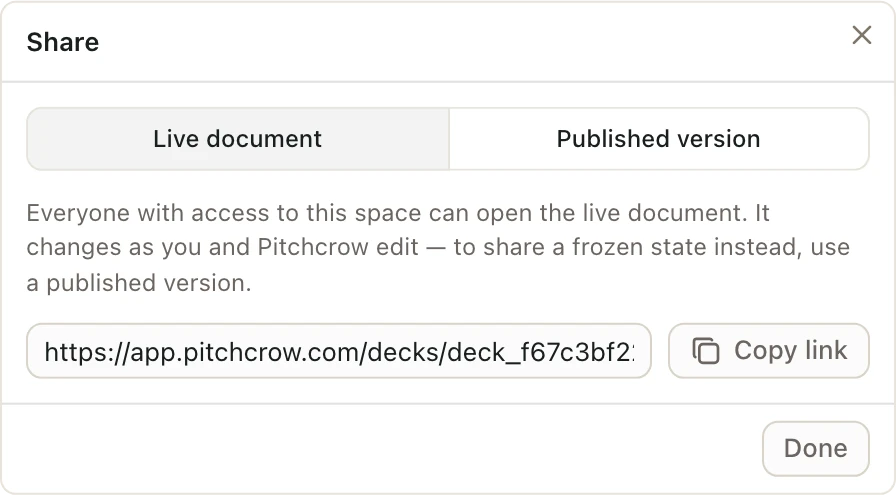
Click Share in the top right.
-
On the Live document tab, click Copy link.
-
Send the link to your teammate.
The link opens the working copy. They see your changes, and Pitchcrow's, as they happen.
Want to send a copy that won't change while you keep working? Publish a version instead.
Good to know
- Decks and sheets in a space for Everyone at your firm can already be opened by everyone in your organization. Just send the link.
- Only space Admins can add people to a space. If you're not an Admin, ask one to add your teammate.
- To choose whether your teammate can edit or only look and comment, pick their role when you add them. See Space roles.