

Publish a version for review
Send reviewers a copy of a deck or sheet that won't change while you keep working.
A published version freezes your deck or sheet exactly as it is now, behind a link that doesn't change. You can keep editing. Reviewers only see what you published until you update it.
-
Open the deck or sheet.
-
Click Share in the top right.
-
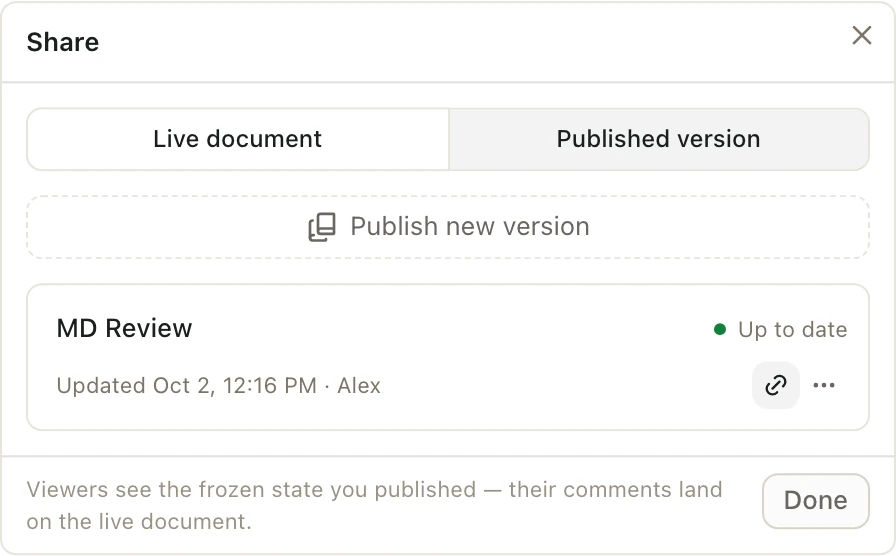
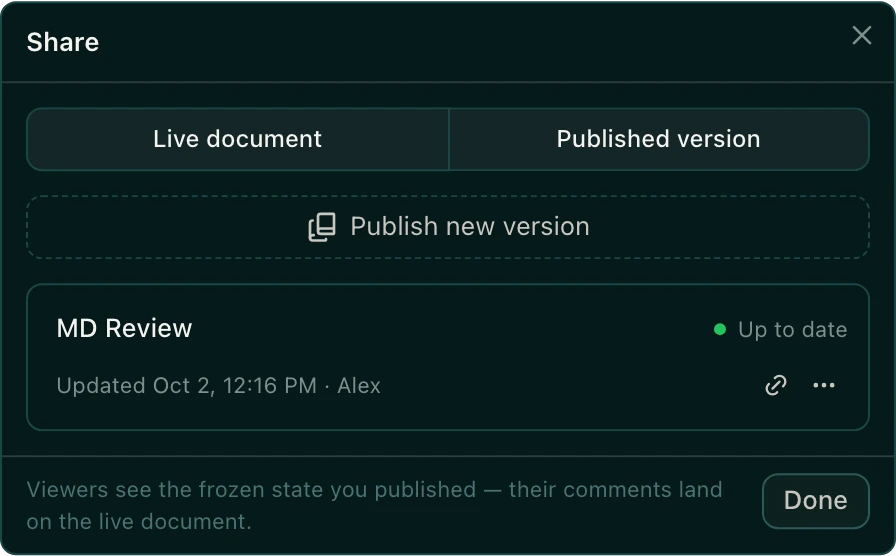
Pick the Published version tab.
-
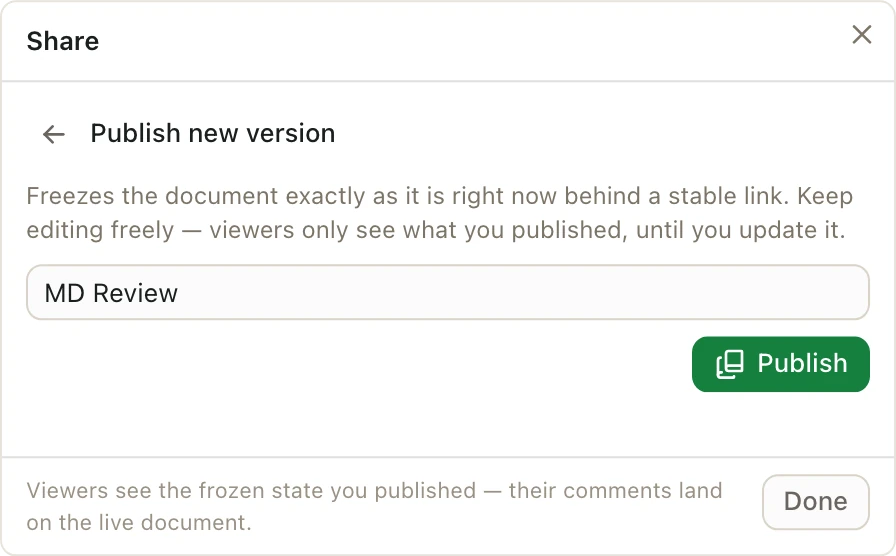
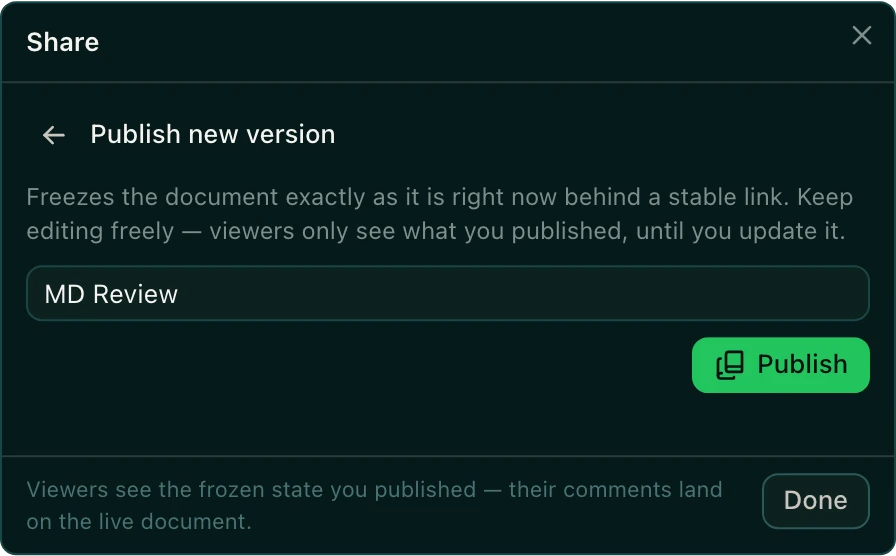
Click Publish new version.
-
Give it a name, like "MD Review", and click Publish.
-
Click Copy link next to the new version, and send the link to your reviewers.
Update, rename, or delete a published version
In Share → Published version, click More actions next to the version:
- Update to latest replaces it with the document as it is now. The link stays the same.
- Rename changes its name.
- Delete removes it.
Who can open the link?
Reviewers must sign in to Pitchcrow, be in your organization, and have access to the space. For a reviewer who should only look and comment, add them to the space as a Viewer first.
Comments reviewers leave on a published version show up on the live document, so you see them while you work.