

Sharing
Live document vs published version
The live document changes as people edit. A published version stays frozen until you update it.
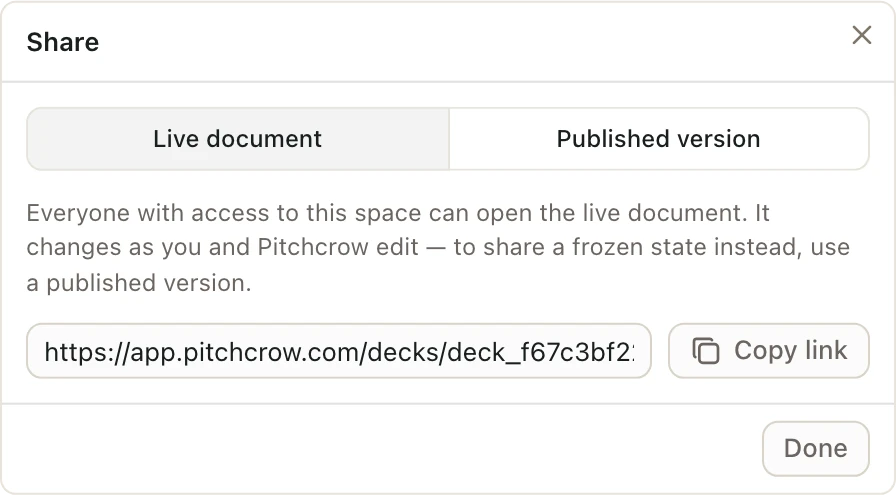
Share has two tabs. Both give you a link, but they show different things.
| Live document | Published version | |
|---|---|---|
| What people see | The latest state, including work in progress | A frozen copy from when you published it |
| Changes when you edit? | Yes, right away | No, only when you choose Update to latest |
| Good for | Teammates working on it with you | Sending to an MD or reviewer |
| Who can open it | Anyone with access to the space | Anyone with access to the space |
Use the Live document tab and Copy link to send a teammate straight into the working copy.
Use a published version when you don't want reviewers to see half-finished pages. See Publish a version for review.