

View or export the audit log
See who did what in your organization, and download that record as a spreadsheet.
The audit log is a running record of what happens in your organization. Each line says what happened, who did it, and when. It records things like:
- Sign-ins, failed sign-in attempts, and sign-outs.
- Invitations, role changes, and people being removed.
- Spaces being created, changed, or deleted, and people being added to them.
- Files being uploaded, opened, downloaded, or deleted.
- Decks and sheets being created, opened, edited, downloaded, published, or deleted.
- Comments, and messages people send to Pitchcrow.
Open the audit log
-
Click your name at the bottom of the left sidebar, then Settings.
-
Under Organization, click Audit log.
-
Click any line to see more details, such as the exact time.
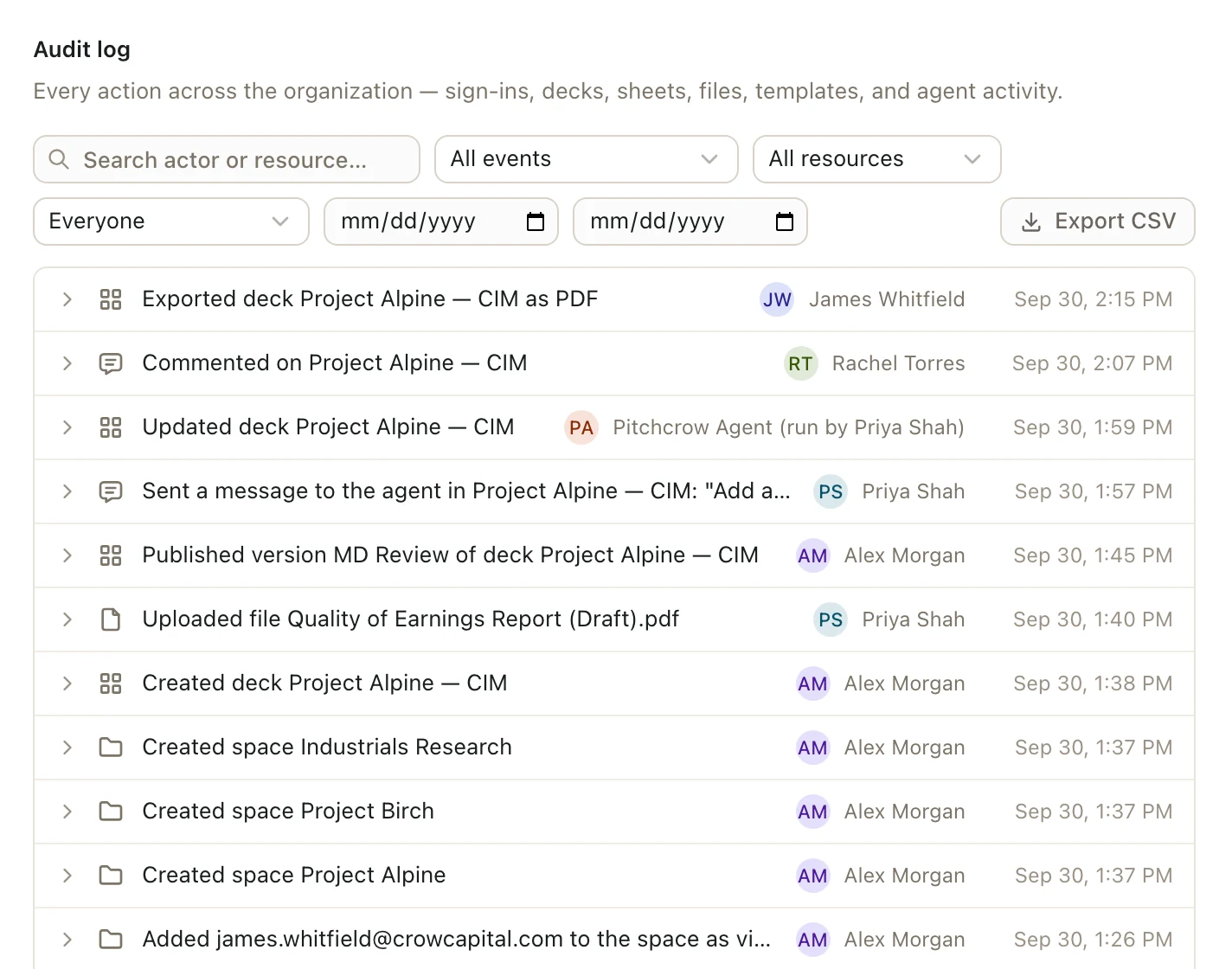
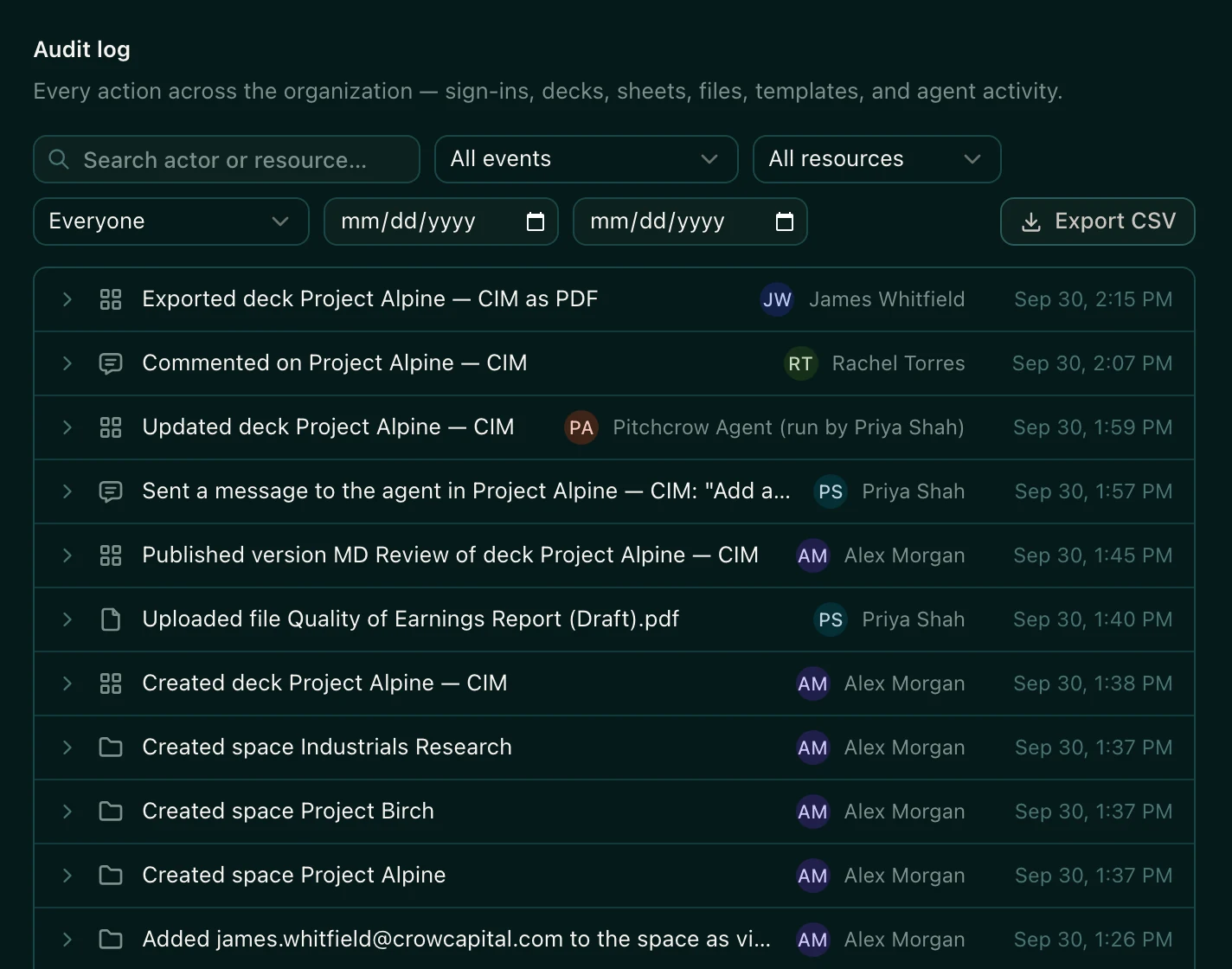
The newest events are at the top. The list shows 50 at a time. Click Load more at the bottom to see older ones.
Changes Pitchcrow makes show up as Pitchcrow Agent, along with the name of the person who asked it.
Find something specific
Use the boxes above the list. You can combine them.
- Search actor or resource: type part of a deck, sheet, or file name, or a person's email address.
- All events: show only one kind of event, like file downloads or sign-ins.
- All resources: show only one kind of thing, like decks or files.
- Everyone: show only what one person did.
- The two date boxes: show only events between a start date and an end date.
Export the audit log
Click Export CSV. Pitchcrow downloads a CSV file you can open in Excel. It includes only the events that match the filters you've set.
Good to know
- Only organization admins can see the audit log. Other people see "Could not load the audit log."
- An export holds up to the 10,000 newest events that match your filters. To get older events, set the date boxes to an earlier range and export again.