

Organization
Remove a member
Take away someone's access to your organization.
-
Click your name at the bottom of the left sidebar, then Settings.
-
Under Organization, click Members.
-
Click Member actions next to the person.
-
Choose Remove from organization.
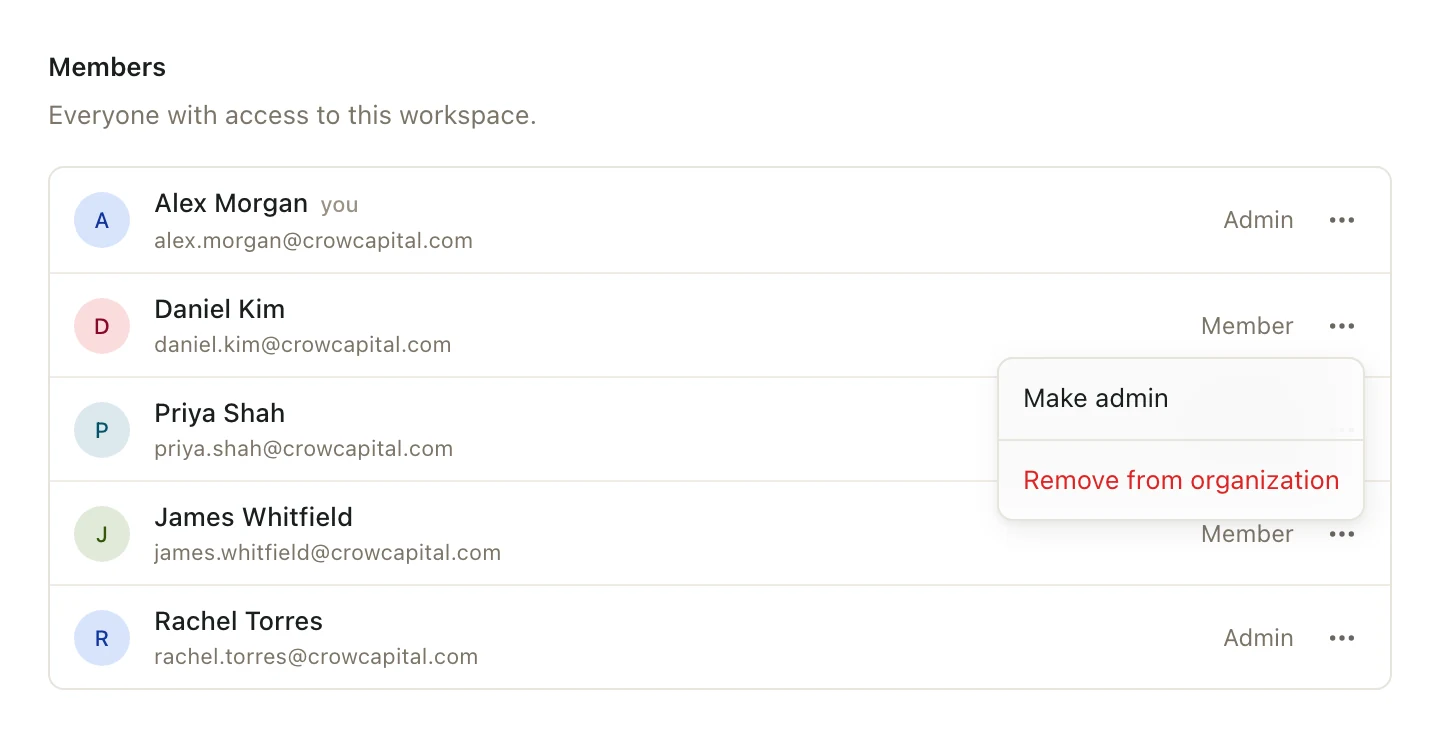
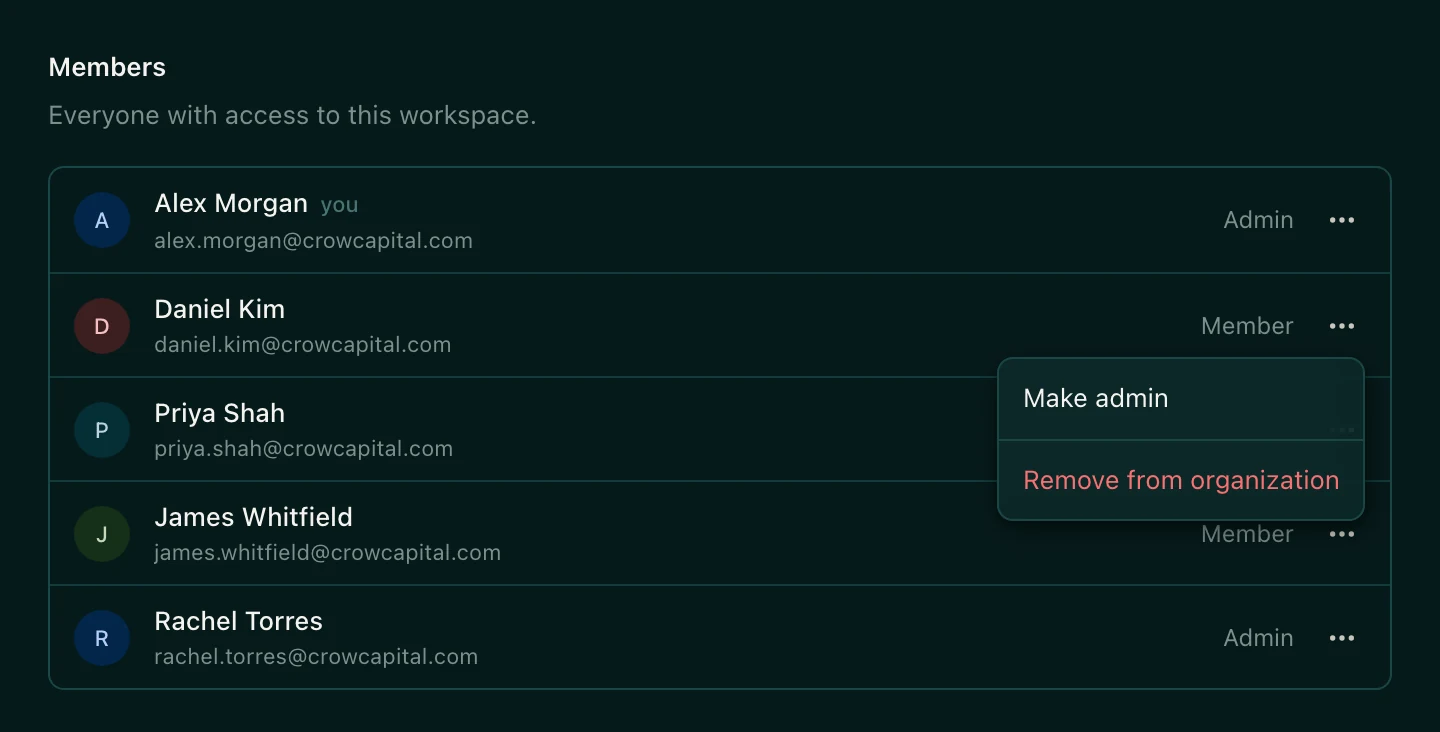
They lose access to Pitchcrow and every space right away, even if they have a deck or sheet open. The decks, sheets, and files they made stay in their spaces.
There's no confirmation step
The person is removed as soon as you click. They're also taken out of every space they were in. To bring them back, invite them again and add them to their spaces again.
Good to know
- Only organization admins can remove members.
- You can't remove yourself or the last admin.