

Organization
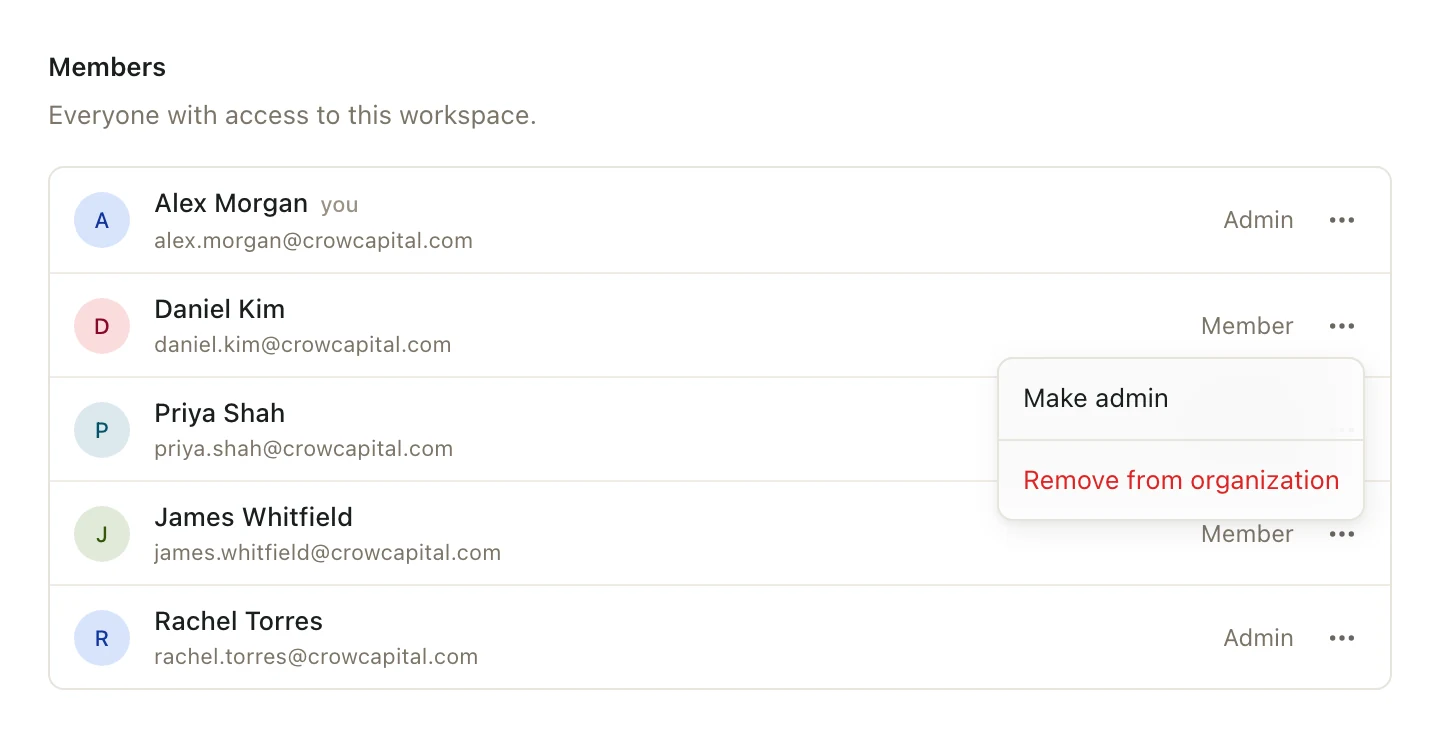
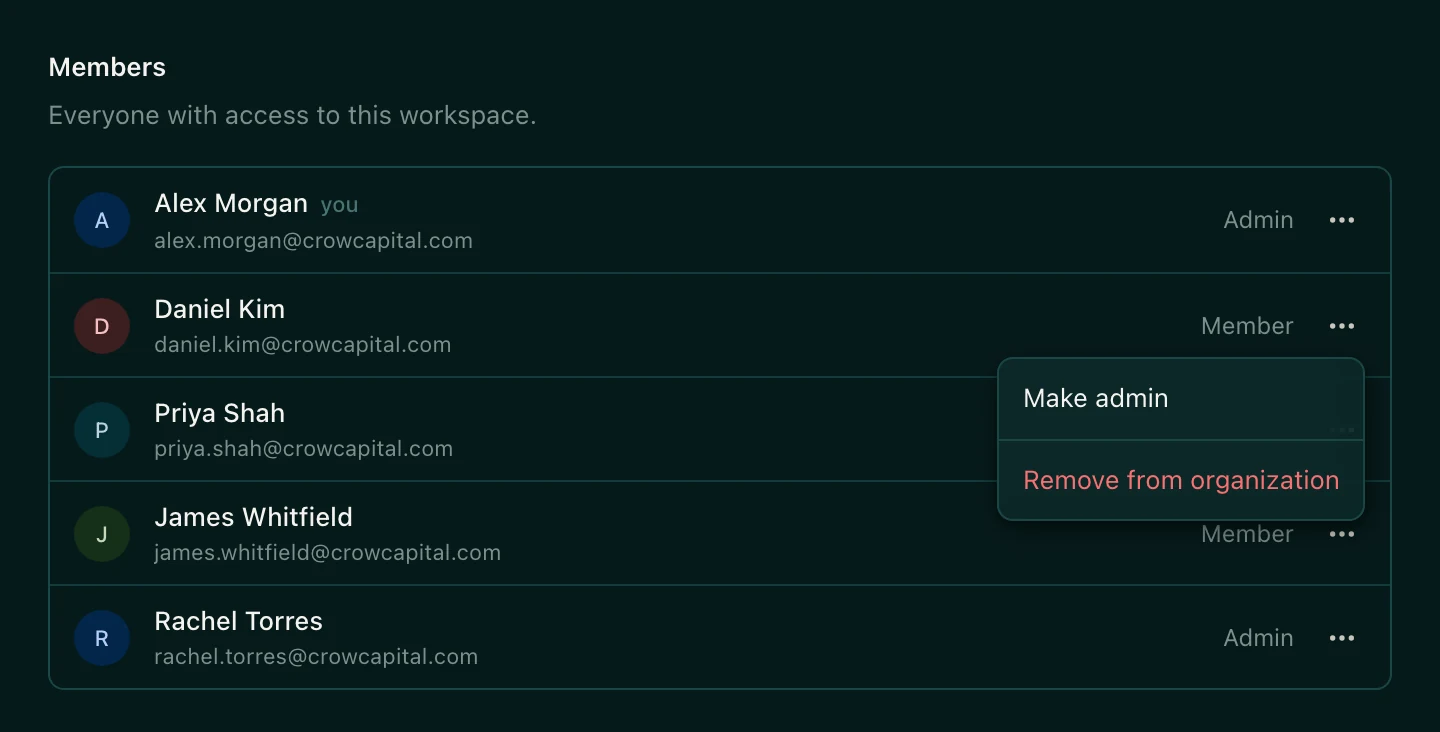
Make someone an admin
Let someone manage members, firm-wide spaces, and organization settings.
- Click your name at the bottom of the left sidebar, then Settings.
- Under Organization, click Members.
- Click Member actions next to the person.
- Choose Make admin.
To undo it, open the same menu and choose Change to member.
What admins can do
Organization admins can:
- Invite and remove members, and make other people admins.
- Change the organization's name and logo.
- Create spaces for Everyone at your firm, and rename or delete them.
- See the audit log, a record of everything that happens in your organization.
Members can do everything else: create their own spaces, build decks and sheets, and work in any space they've been added to.
Good to know
- You can't change your own role.
- Your organization always needs at least one admin.
- Being an organization admin doesn't give access to every space. Admins still need to be added to invited-only spaces.