

Spaces
Create a space
Set up a new space for a deal or client, and choose who can see it.
-
Click Documents in the left sidebar.
-
Click New, then Space.
-
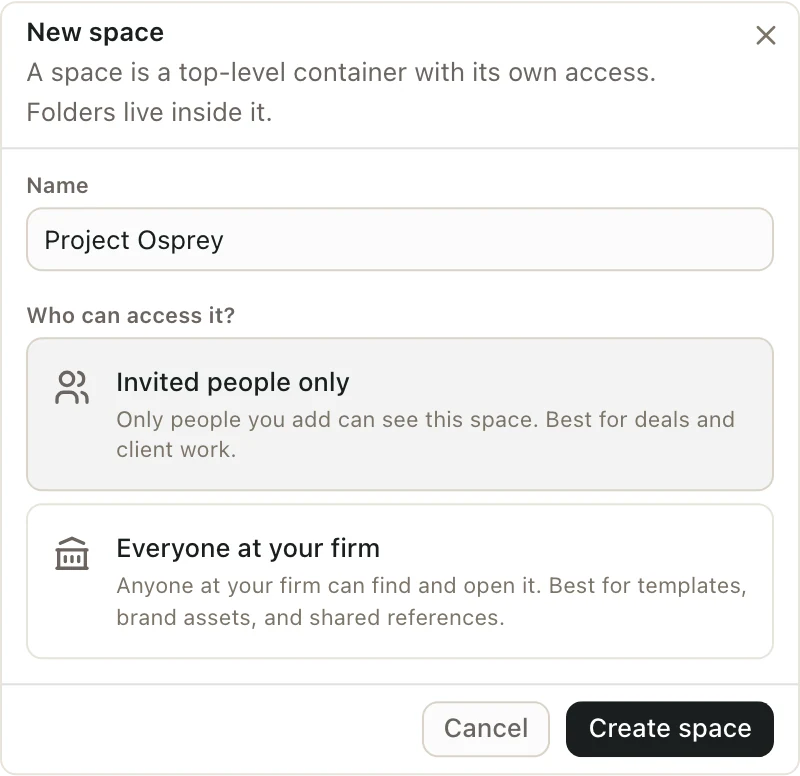
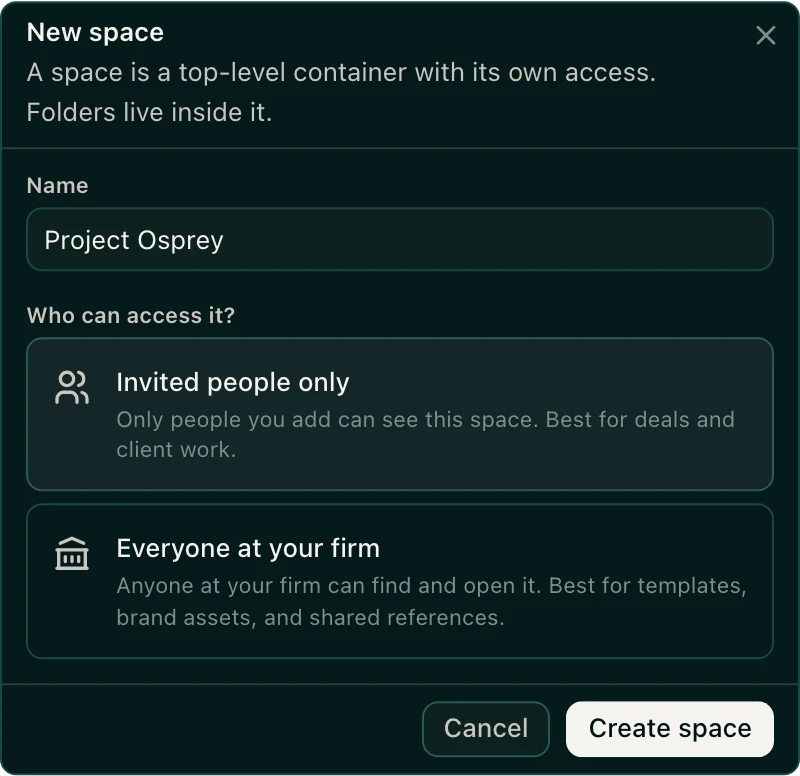
Type a Name, like "Project Osprey".
-
Under Who can access it?, choose:
- Invited people only for a deal or client. Only people you add can see it.
- Everyone at your firm for templates and shared references.
-
Click Create space.
You can also create a space from the Home chat. Click the space picker under the message box, then New space.
Good to know
- Only organization admins can create spaces for Everyone at your firm.
- When you create an invited-only space, you become its Admin. You can then add people to it.