

Files
Upload files
Add financials, research, and other files to a space so Pitchcrow can use them.
- Click Documents in the left sidebar and open the space.
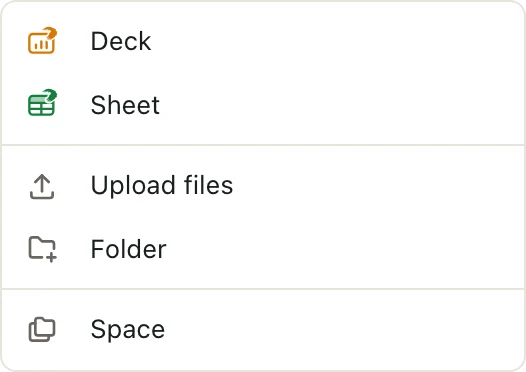
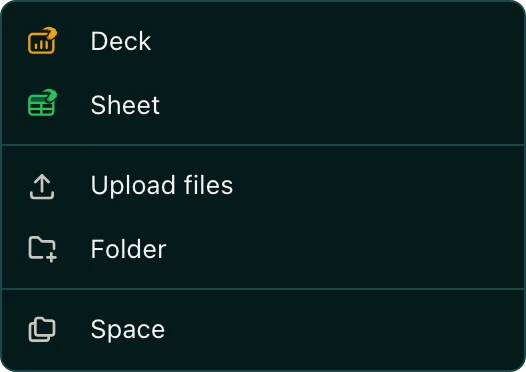
- Drag files onto the file list. Or click New, then Upload files.
Pitchcrow reads each file after it uploads, so it can search the file and use it in decks and models.
Which file types can I upload?
| Type | Extensions |
|---|---|
| Word | .doc, .docx |
| Excel | .xls, .xlsx |
| PowerPoint | .ppt, .pptx |
| Images | .png, .jpg, .jpeg, .gif, .tiff |
| Text | .txt |
What the labels next to a file mean
| Label | What it means |
|---|---|
| Pending | Waiting its turn to be read. |
| Processing | Pitchcrow is reading it now. |
| Failed | Pitchcrow couldn't read it. Click Retry to try again. |
| No label | Ready. Pitchcrow can use it. |
Good to know
- You need to be an Admin or Editor of the space to upload.
- Files are shared with everyone who can open the space.
- Uploaded a PowerPoint? You can also turn it into an editable deck.