October 2026 Product Update: Sources, Home Agent, Search
ProductBy Faraaz Khan
We shipped a lot in September. Most of it comes down to three questions: Where did this number come from? Can I just ask for what I need? Can I find that file without digging? Here’s what’s new.
Sources behind your numbers
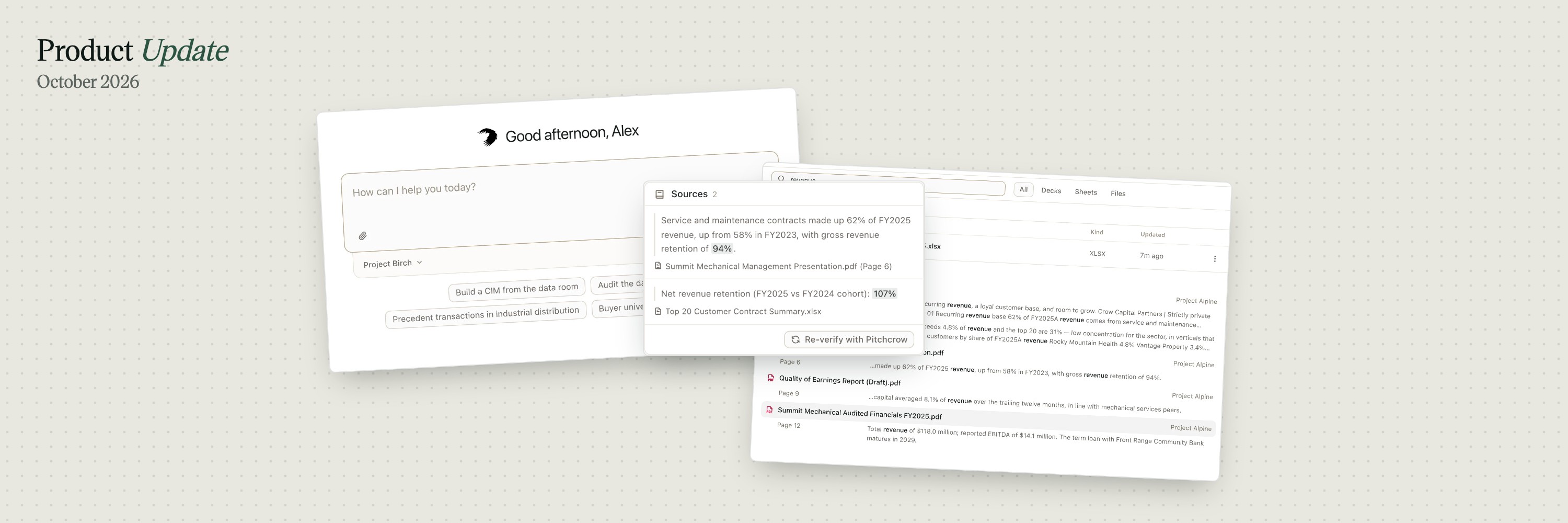
When Pitchcrow takes a figure from a file or the web, it now remembers where it came from: the page of the PDF, the range in the model, or the web page, plus the exact words it was taken from. Turn on Show sources, or press CommandShiftE, and each sourced figure gets an outline and a small badge. Click the badge to see the quote and jump to the file.

If a number was calculated, like a growth rate, you’ll see the formula and where each input came from. Something look off? Click Re-verify with Pitchcrow and the agent checks it again. There’s also a new Sources tab that lists every figure in the deck. Filter it to Unverified or Illustrative to catch placeholder numbers before anything goes out.
Home Agent
Home now opens with a message box. Pick a deal’s space, type what you need, and Pitchcrow gets started. You don’t have to open a deck or a sheet first. Whatever it reads or makes, whether files, decks, sheets or web pages, shows up in a panel next to the chat so you can follow along. Your past chats sit on the left, and each one has its own link you can send to a colleague.

To start a new chat from anywhere, even inside an editor, press CommandShiftO. The old document browser is now under Documents.
Search inside every file
Search now looks inside your files, not just at their names. That includes the PDFs and spreadsheets in your data rooms and, for the first time, your Pitchcrow decks and sheets: slide text, speaker notes and cell values. Click a result and it opens on the right page, slide or cell. Results are ranked by how close the match is, so “ebit” still finds “EBITDA”. And CommandK opens the quick switcher, which now searches every space you can open.

Also new
- Find and replace in Sheets. CommandF and CommandShiftH, with the options you’d expect from Excel: search the whole workbook, formulas or values, match case, wildcards and Find All. You can undo a Replace All in one step, and it won’t break a formula.
- Decks in your firm’s style. Before it plans a new deck, Pitchcrow now picks the closest of your firm’s reference decks and copies its colors, fonts, headers and footers.
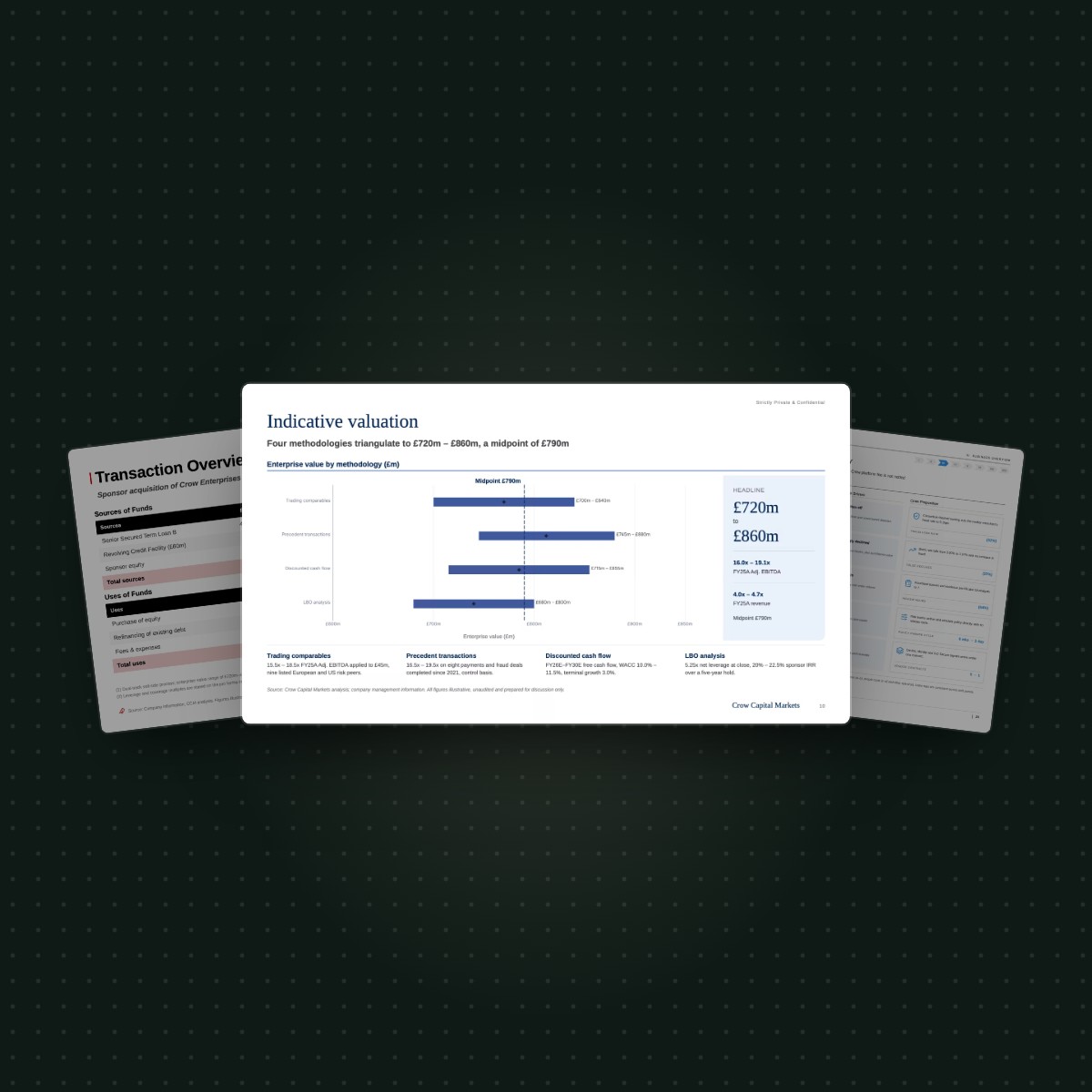
- More chart colors. You can now pick the colors for football field bars, waterfall steps and each slice of a pie or donut.
- Editing that feels like PowerPoint. Drag to select text, double-click a word, start typing on a selected box, and right-click for Cut, Copy and Paste.
- Better PowerPoint downloads. Bullet lists no longer grow when you export, and logos and icons inside tables come through.
If there’s something you want us to build next, tell us. And if you haven’t tried Pitchcrow yet, schedule a demo.